
Call us now :07971549111
 Send Inquiry
Matrix Cosec Argo FO 212 E/M - Access Control System
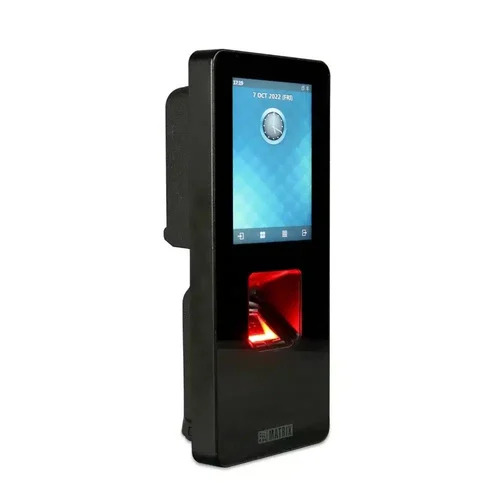
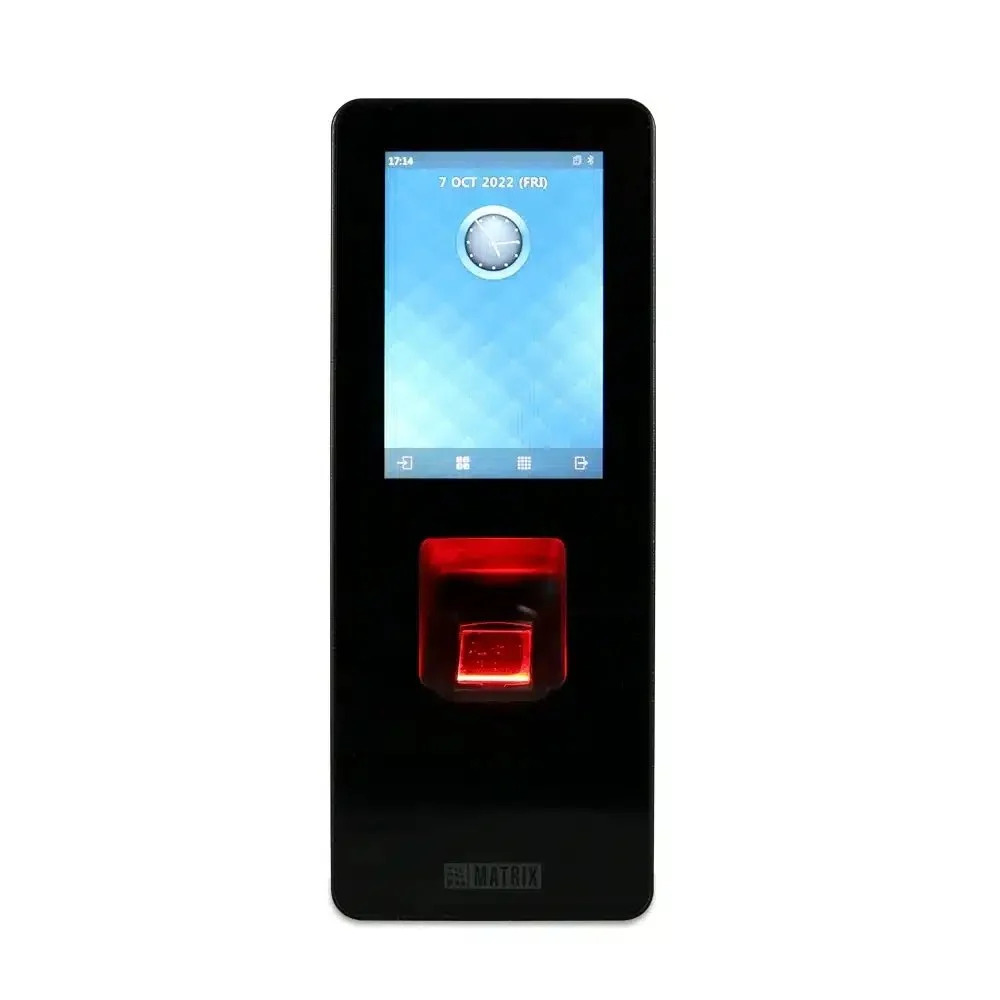

Matrix Cosec Argo FO 212 E/M - Access Control System Specification
- Type
- Fingerprint Access Control
- Material
- Metal
- Measurement
- Touch Screen
- Usage
- Industry
- Identification Mode
- Fingerprint
Matrix Cosec Argo FO 212 E/M - Access Control System Trade Information
- Minimum Order Quantity
- 1 Unit
- Supply Ability
- Unit
- Main Domestic Market
- All India
About Matrix Cosec Argo FO 212 E/M - Access Control System
- Finger, EM Prox, Mifare, PIN and Mobile Phone(BLE)
- 3.5" LCD with Touch Panel and Gorilla Glass, IK06, IP65 Rated
- Ethernet, PoE, Wi-Fi, USB, BLE and 3G/4G/LTE (External Dongle)
- Door Lock, Door Sense, Exit Reader, Exit Switch, Wiegand
- 50,000 Users, 25,000 Fingerprint Templates (1: N Mode) and 100,000 Fingerprint Templates (1: 1 Mode); 500,000 Events
- Surface and Flush Mounting Options
-
Product Details:
Type Of System Fingerprint Access Control Sensor Type Dual Sensor Model Name/Number ARGO FO212 - EM/Mifare/HID iCLASS Products Included Machine Brand Matrix Display Type Touch Screen Interfaces Weigand Screen Size 2.5 Inch Language English Installation Type Wall Mounted Power Source Battery Operated, Power Adapter Reading Range 5 - 10 cm Operating System Android, Windows Certification IP66, IP65 Memory Capacity 1 GB Fingerprint Sensor 500 DPI Operating Temperature -10 to +60 Degree Celsius Identification Time < 1s Scan Speed 200-300 Scans/sec Color Black Body Material ABS
FAQs of Matrix Cosec Argo FO 212 E/M - Access Control System:
1. What is the Matrix Cosec Argo FO 212 E/M?
- The Matrix Cosec Argo FO 212 E/M is an advanced access control system designed for secure entry management. It combines biometric and RFID technology to ensure only authorized individuals can access designated areas.
2. What features does the Cosec Argo FO 212 E/M offer?
- It includes biometric fingerprint recognition, RFID card access, a high-resolution color display, real-time monitoring, and can integrate with various third-party systems for enhanced security management.
Installation
3. How do I install the Matrix Cosec Argo FO 212 E/M?
- Installation involves mounting the device on a wall, connecting it to the power supply, and integrating it with your network. For detailed installation, refer to the user manual or consult a certified installer.
4. Do I need special tools or equipment for installation?
- Basic tools like a screwdriver and mounting hardware are typically required. Ensure you have access to a power source and network connection as well.
Configuration and Use
5. How do I configure the device for the first time?
- Follow the setup wizard on the device's interface to configure initial settings. You™ll need to set up user profiles, define access permissions, and connect the device to your network.
6. Can the device be integrated with existing security systems?
- Yes, the Cosec Argo FO 212 E/M can integrate with various third-party systems like time and attendance software, CCTV, and alarm systems. Consult the integration guidelines provided in the manual.
7. How do I enroll new users into the system?
- Use the device™s interface to add new users by capturing their biometric data or issuing RFID cards. You can also manage user profiles through the associated software.
Troubleshooting
8. What should I do if the device is not responding?
- Check the power supply and network connections. Restart the device and verify that all cables are properly connected. If issues persist, consult the troubleshooting section of the user manual or contact technical support.
9. How do I handle a situation where users are unable to gain access?
- Verify that the user™s credentials (biometric data or RFID card) are correctly registered. Ensure that the device is properly connected to the network and that the access permissions are correctly set.
Maintenance
10. How often does the device need maintenance?
- Regular maintenance includes cleaning the biometric sensors and checking the device™s connections. Perform a comprehensive checkup every few months to ensure optimal performance.
11. What should I do if the fingerprint scanner is not working properly?
- Clean the fingerprint scanner with a soft, dry cloth. Ensure there are no obstructions or damage. If issues continue, recalibrate the sensor or consult technical support.
Tell us about your requirement

Price:
Quantity
Select Unit
- 50
- 100
- 200
- 250
- 500
- 1000+
Additional detail
Mobile number
Email

More Products in Matrix Time Attendance Category
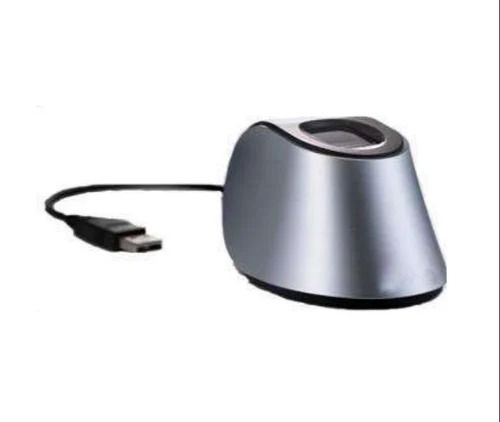
Matrix USB Based Optical Fingerprint Enrollment Reader (Cosec Enroll Finger) - Fingerprint Sensor
Price 7303.00 INR / Unit
Minimum Order Quantity : 5 Units
Usage : Industrial
Material : Metal
Type : Fingerprint Enrollment Device
Identification Mode : Fingerprint Enrollment Device

Matrix Cosec Argo FOM212 FOE212 Time Attendance And Access Control System
Price 22245.00 INR / Unit
Minimum Order Quantity : 1 Unit
Usage : Industrial
Material : Metal
Type : Attendance System
Identification Mode : Fingerprint
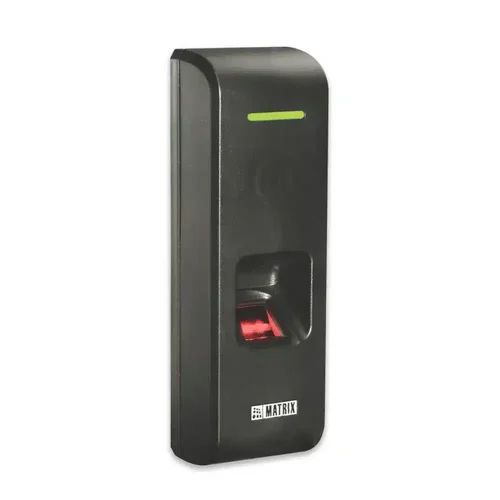
Matrix Fingerprint and EM Prox Card Based Access Control Reader
Price 8090.00 INR / Unit
Minimum Order Quantity : 1 Unit
Usage : Industrial
Material : Metal
Type : Attendance System
Identification Mode : Fingerprint
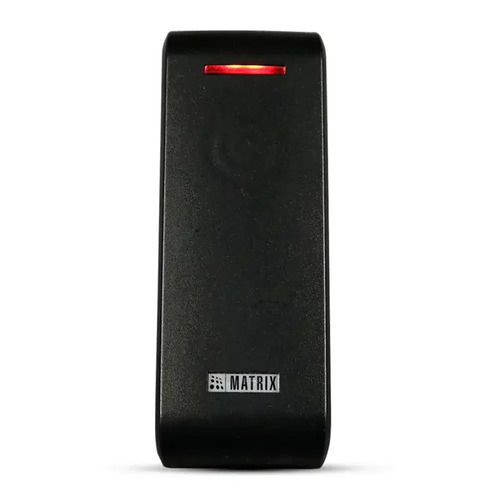
Matrix HID iClass Smart Card based Access Control Reader (COSEC PATH RDCI)
Price 10450.00 INR / Unit
Minimum Order Quantity : 5 Units
Usage : Industrial
Material : Metal
Type : COSEC PATH RDCI
Identification Mode : Fingerprint , Face recognition

 Send Inquiry
Our Products
- Matrix Time Attendance
- IP CCTV Security Camera
- IP Phone
- Connect Voice Logger
- Matrix Bullet Camera
- Digital Phone
- Network Gateway
- Matrix Network Video Recorder
- Matrix EPABX System Card
- EPABX System
- Voip Gateway
- AEGIS Voice Logger
- AEGIS Fixed Cellular Terminal Device
- Connect Fixed Cellular Terminal Device
- Matrix FCT Device
- Core IP Server
- CCL Epabx Systems


Plot No. G-57, 3rd Floor, Vikas Marg, Laxmi Nagar,Delhi - 110092, India

Mrs Seema Vikrant Vaidh
(Sales Manager)
Mobile :07971549111
 Send Inquiry
 Send SMS
 Call Me Free
Developed and Managed by Infocom Network Private Limited.


